EXPERIMENT
Figma to PowerPoint New
We design decks in Figma, but sales and marketing work in PowerPoint. I built a Figma plugin that exports slide frames as an editable .pptx: text stays text, shapes stay shapes, and cards and icons move as groups.
- Built for
- The design team at Heaps
- Runs in
- Figma desktop, no network access
- Stack
- TypeScript, PptxGenJS, JSZip
Why
Our previous export tool left links in the files that IT couldn’t account for, and our decks carry client and company data. The replacement had three rules: a genuinely editable PowerPoint, nothing leaves the designer’s computer, and IT can verify the output instead of trusting it.
Trust you can check
The plugin asks Figma for no network access at all, so Figma itself blocks any request; every library is bundled in. A small audit script lets IT scan any exported deck for links, macros or embedded objects, and the build fails if a dependency ever carries an AGPL licence.
Editable was the point
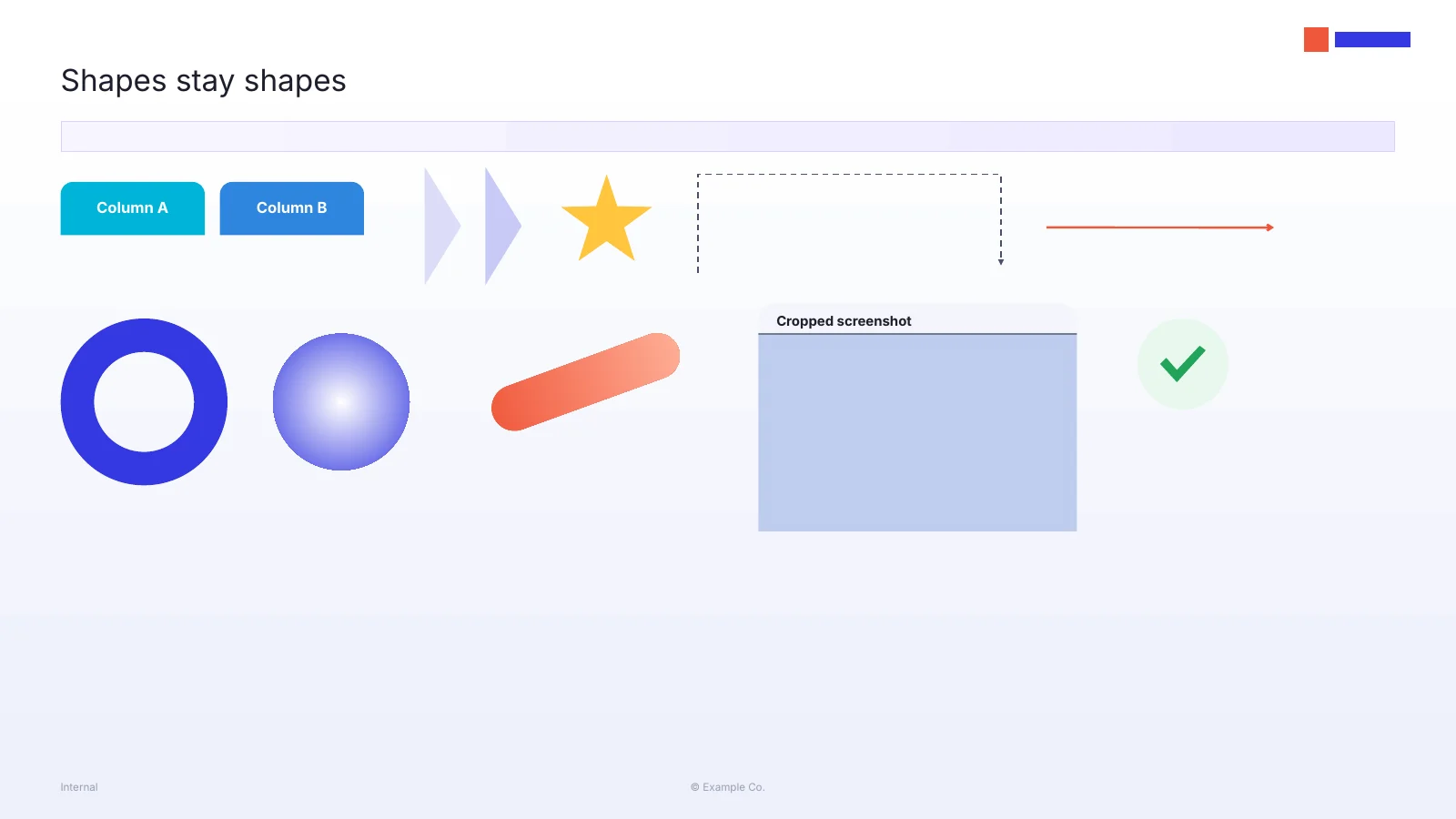
The first version exported each slide as a picture. It looked right and was useless to the people who needed it, so I rebuilt it around native objects: text with its fonts and mixed formatting, rectangles and freeform vectors, gradients, arrowheads, and Figma frames as named PowerPoint groups.
When something can’t be native, like a blur or a mask, it becomes a picture and the plugin says why after export. Designers can also force a layer to a picture with [img] or leave it out with [skip].
Clipping took two attempts
PowerPoint can’t clip a group the way a Figma frame clips its content. My first rule turned any overflowing frame into a picture, which locked whole stat cards. “Never clip text” fixed that but let hidden rows of a UI mockup spill below their screen. The rule now works from what is actually painted: hidden layers are left out, visible ones stay editable, and only what straddles the edge becomes a picture cropped to exactly what Figma shows.
Two tools that disagree
Figma and PowerPoint differ on the basics: rotation direction and pivot, where a stroke sits on an edge, how far a gradient spans, how fonts are named and measured. Each one needed a translation rule, plus small patches where the export library writes files PowerPoint wants to “repair”.