Heaps · Post Discharge Care
Every call, with the whole story
Care Coaches call patients in the 90 days after they leave hospital, about 100 calls a day each. I led the redesign of their tool so every call starts with context and ends without a long write-up.
Screens are blurred under NDA. I’m happy to walk through the real designs in a conversation.
Role
Led design
Team
2 designers I lead, a PM, engineering from kickoff
Users
Care Coaches and program managers
Status
Shipped
Areas of influence
Research: interviews and call recordings
Information architecture and flows
Dashboard and in-call screens
Hands-on high fidelity
Highlights
More patients reached each day
Shorter calls on lean protocol days
Every decision traced to research
Scroll to move through the story
The problem
Under five minutes per patient, and the tool kept getting in the way.
100+ Care Coaches across 35+ clients make 10,000+ calls a day. Past calls were hard to find, patient details sat in a collapsed bar, and every call stepped through every section.
Past calls were hard to find
Coaches dug through history before dialling so the patient wouldn’t feel cold-called. That prep cut into calls per day.
No sense of progress
Nothing showed what was left to cover in the call.
Mandatory detours
Sections like Vitals had to be stepped through even when they didn’t apply.
Actions scattered
Reschedule, readmission and feedback were small icons in a corner.
Listening to the work
Interviews tell you what people remember. Recordings show what happens.
We interviewed 10 Care Coaches and 4 program managers, then listened to recordings of real calls. We acted on what both sources agreed on: 11 decisions, each traced to research.
Planning the day
A dashboard built around today, a "completed today" counter, saved filters.
Before the call
A Past Activity screen with true connects, outcome tags and hospitalisation history.
During the call
A guided flow, a fixed patient bar, Vitals in a slide-out, one-click "Call Dropped".
After the call
Smart notes with auto-captured chips and a per-client checklist.
The dashboard
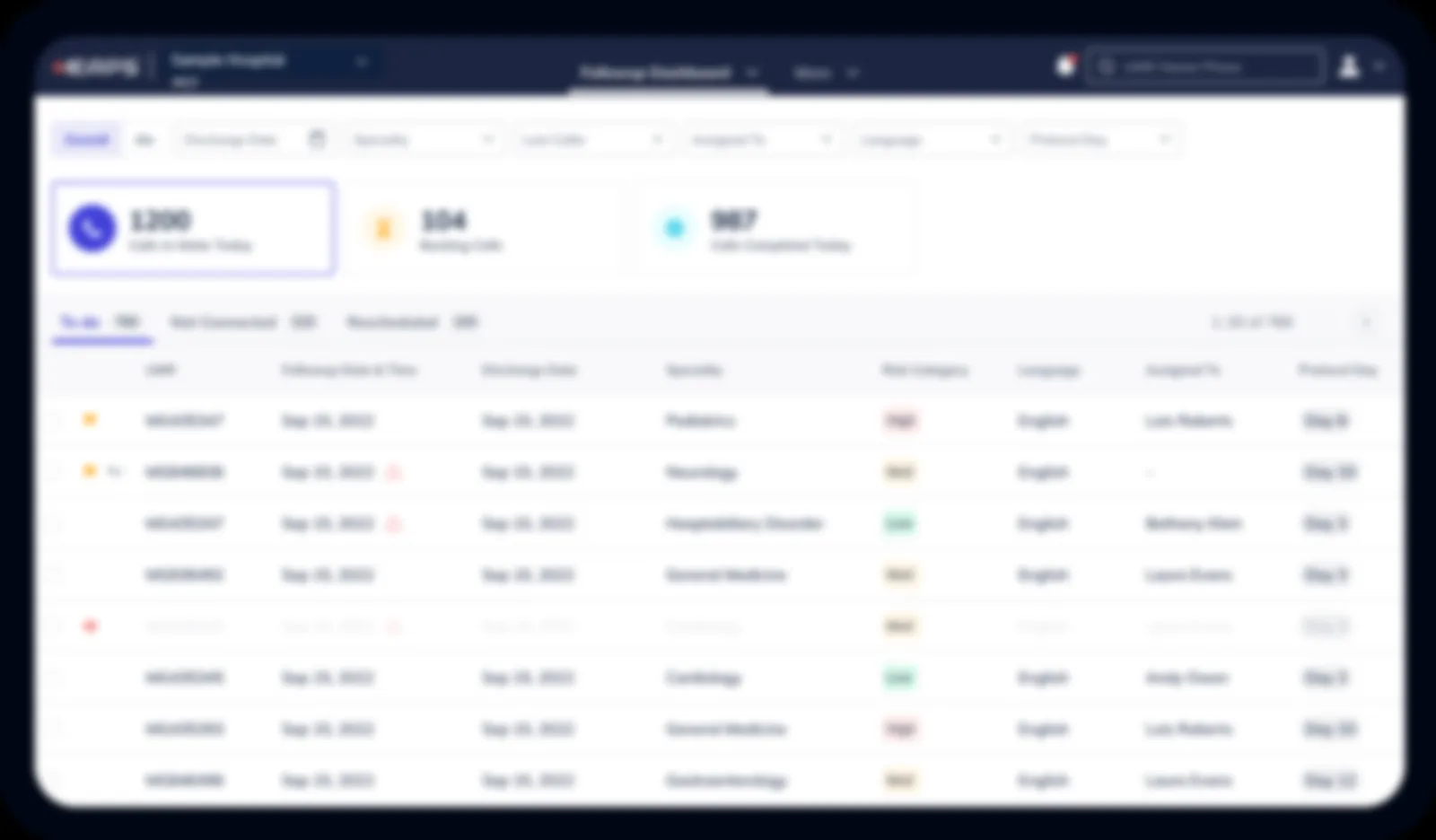
Built around one question: what do I need to do today?
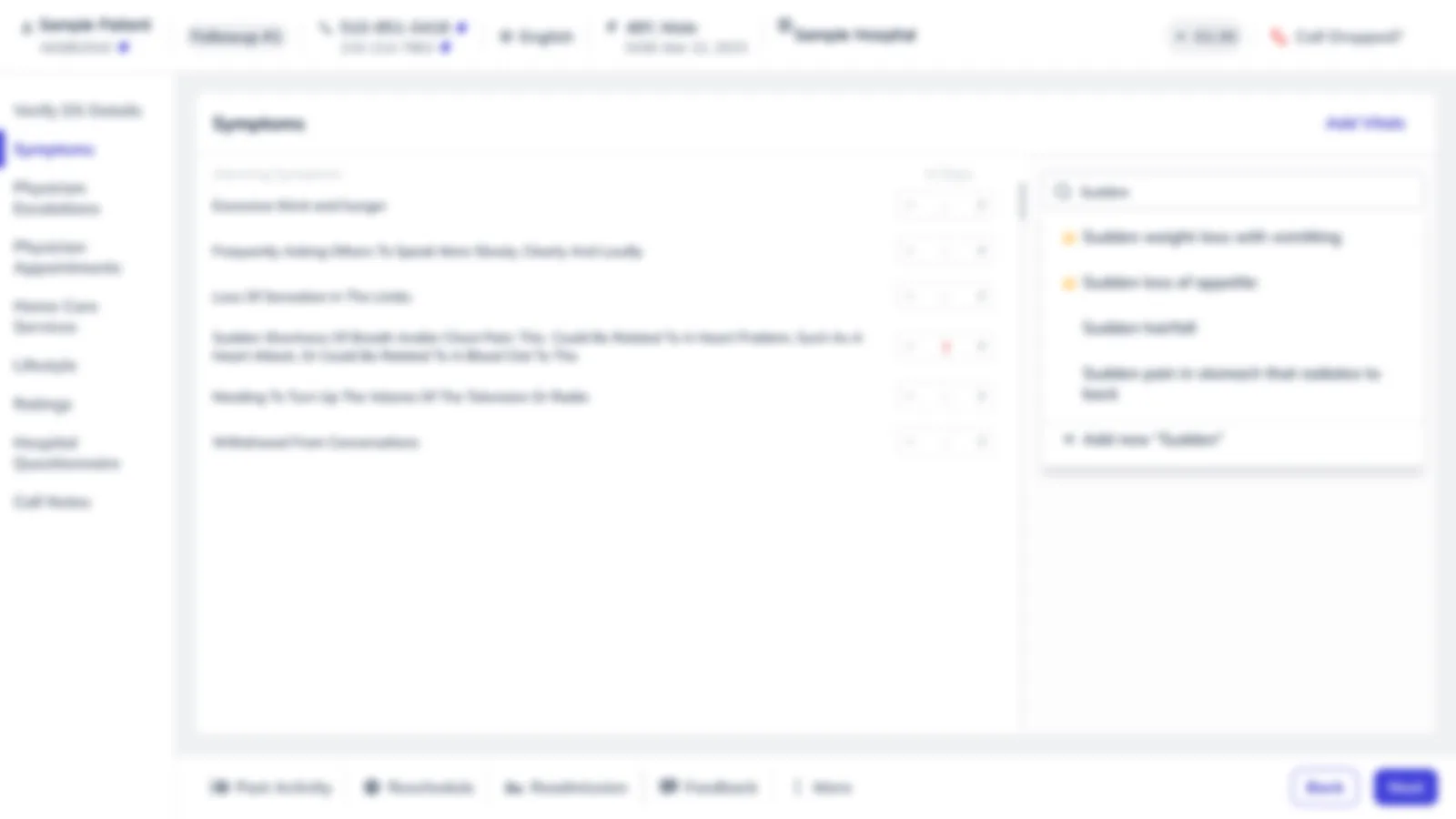
Calls to make, backlog and completed today sit at the top. Coaches used to ask their managers how many calls they’d done; now they see it. The queue splits into To do, Rescheduled and Not connected.
The decision we didn’t make
We didn’t sort by risk. A low-risk patient can still be having a problem, and we only know once we talk to them. Clients who want to prioritise use a risk filter.
Past Activity
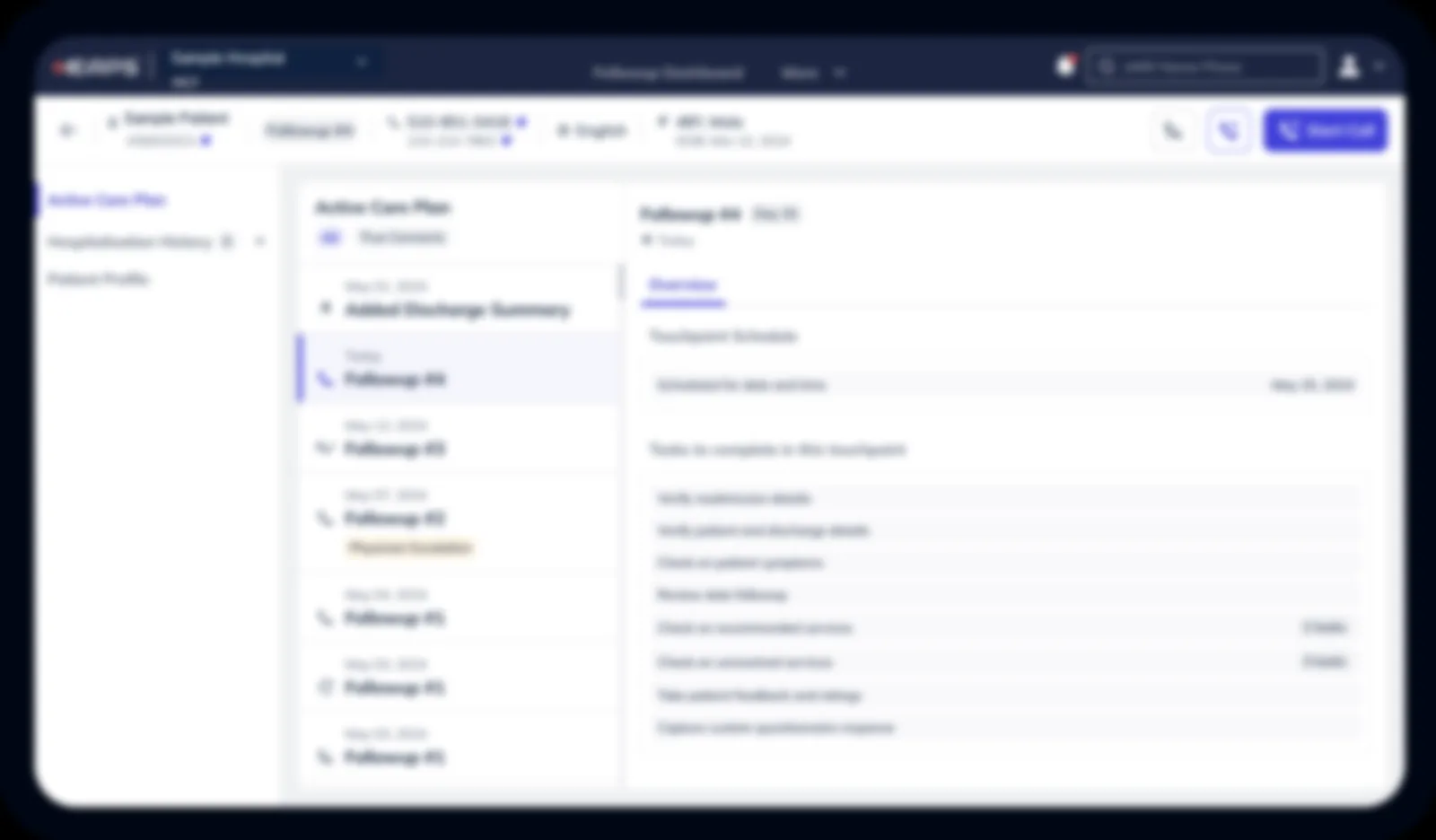
Know the patient’s story before you dial.
The screen before every call: the care plan timeline, a True Connects filter that hides unanswered attempts, outcome tags like Physician Escalation, and what this call needs to cover.
A separate screen, not a side panel
Get informed first, then focus completely on how the patient is today.
Built for real screens
Coaches work on older monitors, about 1280 wide with as little as 560px usable height. Everything important sits above the fold.
A guided call flow
Strict where it matters clinically, flexible where conversations wander.
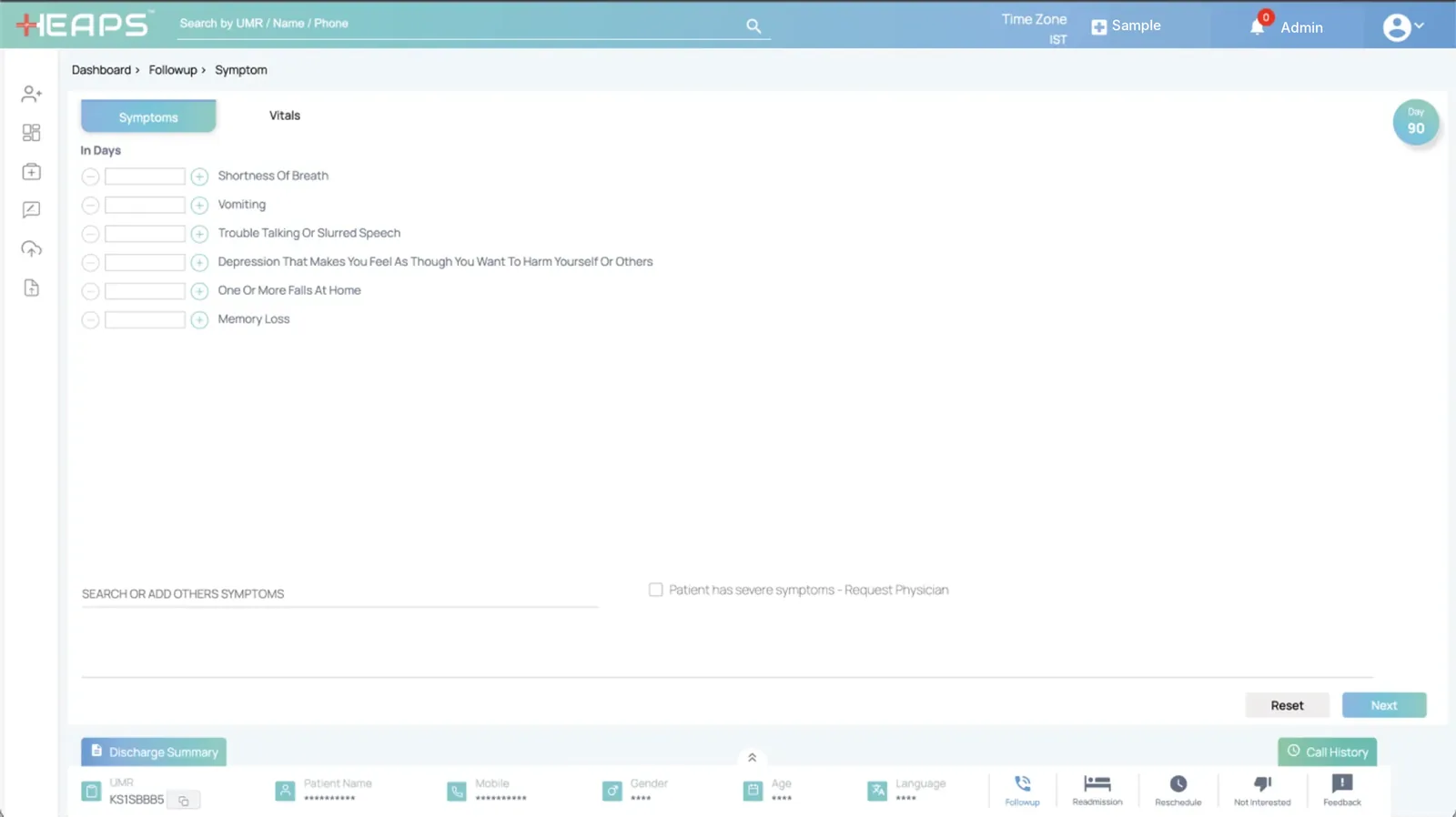
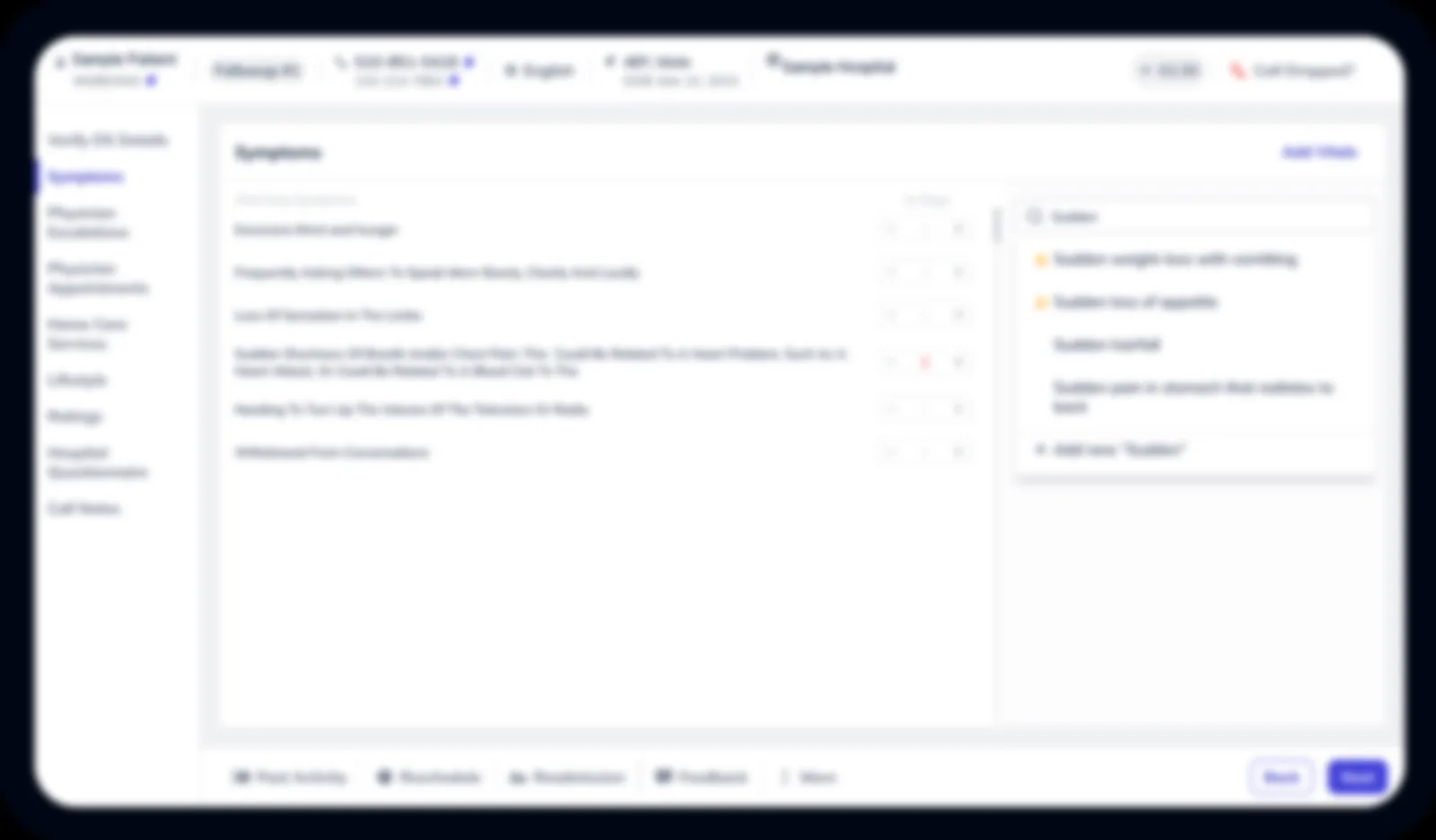
The left navigation is the call’s checklist, in clinical order: an alarming symptom leads to a physician escalation before anything else. Sections appear only when the protocol day, client rules or discharge summary need them, so calls on lean protocol days got noticeably shorter.
Patient bar fixed at the top
Context is always visible.
Vitals in a slide-out
Available, without taking space on a small screen.
Floating notes
Capture anything said out of order; it reappears in the right section.
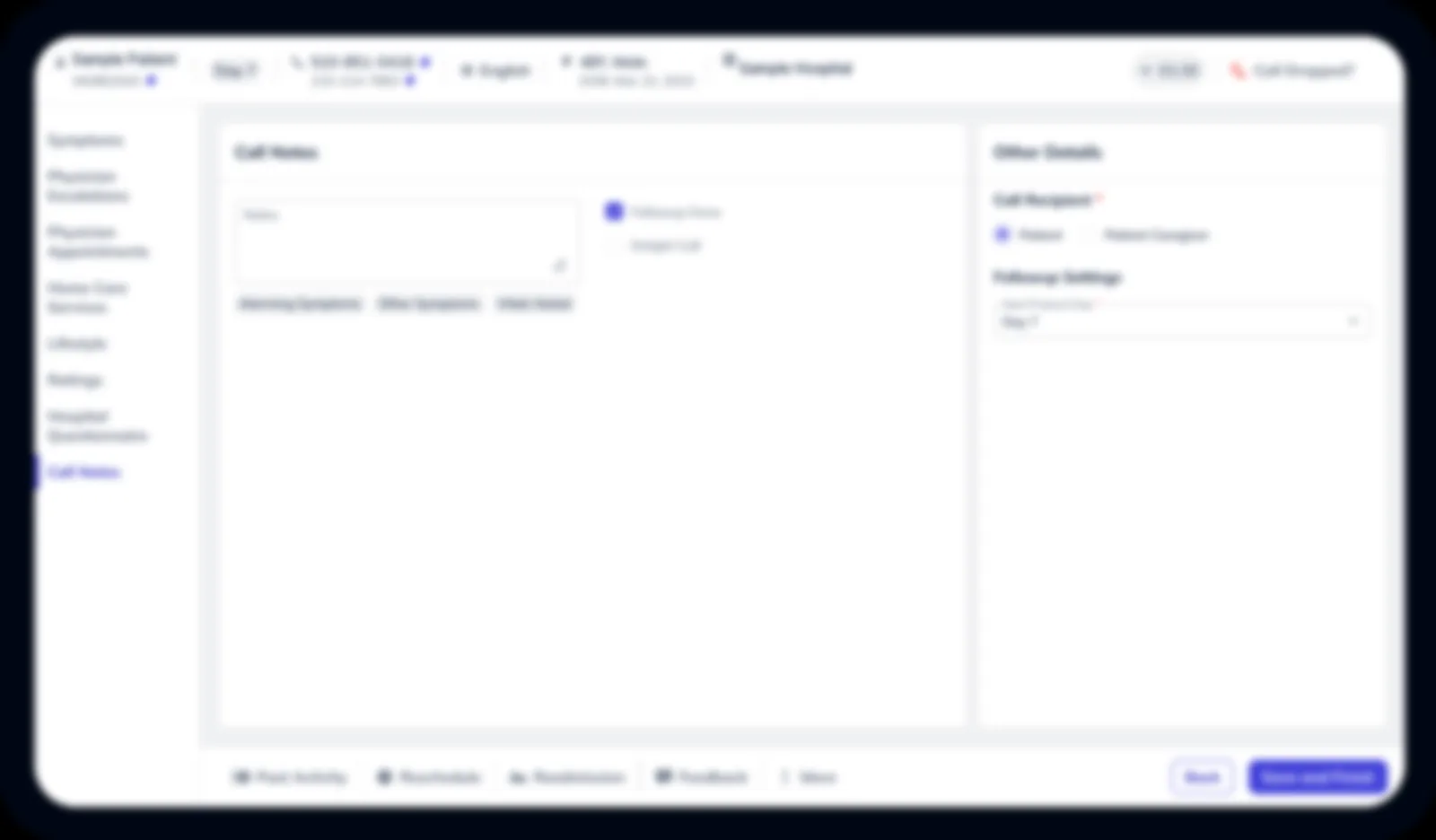
Smart wrap-up
The system already knew what happened.
Calls took minutes, but coaches then retraced every section to write a summary. Every Next or Submit already told us what happened, so those outcomes now appear as chips in Call Notes. A checklist is set per client, and one click saves a dropped call.
The result
More patients reached, every day.
After release, Care Coaches reached more patients each day, with less time spent preparing for and writing up calls. Everything shipped together, so I can’t isolate each change.
What I’d do differently
Measure before launch: prep time, wrap-up time, calls per hour and the true-connect rate.
And a guardrail
Track the escalation rate for alarming symptoms. More calls should never mean less careful calls.