Heaps
From Excel to applause
Call-audit feedback at Heaps travelled by a daily Excel email: auditor to vendor team lead to caller. I replaced it with a dashboard where every piece of feedback has an owner, a deadline and a close.
Screens are blurred under NDA. I’m happy to walk through the real designs in a conversation.
Role
Design lead
Team
Senior PM, ops and quality teams
Users
Auditors, vendor team leads, callers
Status
Shipped, 2026
Areas of influence
Research with auditors and callers
Product rules with ops leads
Interaction design
Prototype in Lovable
Highlights
20–30 min a day back for every auditor
Every item has an owner, a deadline and a close
Callers hear about their good calls too
Scroll to move through the story
The problem
Everything was written twice, then emailed.
Auditors scored each call in the CRM, then copied the same details into an Excel tracker and emailed the day’s errors to each vendor’s team lead. Nobody could see what happened after that.
“Maintaining data in both the CRM and the Excel tracker is time-consuming.”
“Vendor TLs circulate the daily feedback report internally within their calling teams.”
- 1Audit the callMark parameters and comment in the CRM
- 2Copy into ExcelSame UMR, date and comment, again
- 3Email the TLOne sheet per vendor, end of day
- 4TL tells callersForwarded or said in person
Listening to all three sides
Rules first, screens second.
I asked auditors to walk me through their day, ran a session with callers alongside our PM, and put five decisions to the ops leads before drawing anything. Their answers became the product’s rules.
Created automatically
A feedback item appears the moment any parameter is marked No.
Overdue after 2 working days
So a team lead can’t sit on feedback.
A closing note is required
Resolving means saying what was shared.
All five columns stay
Call date, audit date, UMR, care manager, top errors.
The key decision
Resolve per call, or per caller?
A caller can have no feedback one day and three the next. Resolving call by call meant team leads going back and forth to the same person. Grouping by caller lets them share everything at once and close it together, so that’s what I chose.
Open each record, share it, resolve it. Simple, but a caller with three audits means three trips and no overview.
See every open item for one caller, have one conversation, resolve them together with one note.
Scores set the urgency
Using brackets the ops team defined: 90%+ needs no action, below that the feedback must be shared, and below 60% can lead to a performance plan.
Iterations
Three rounds, then a working prototype.
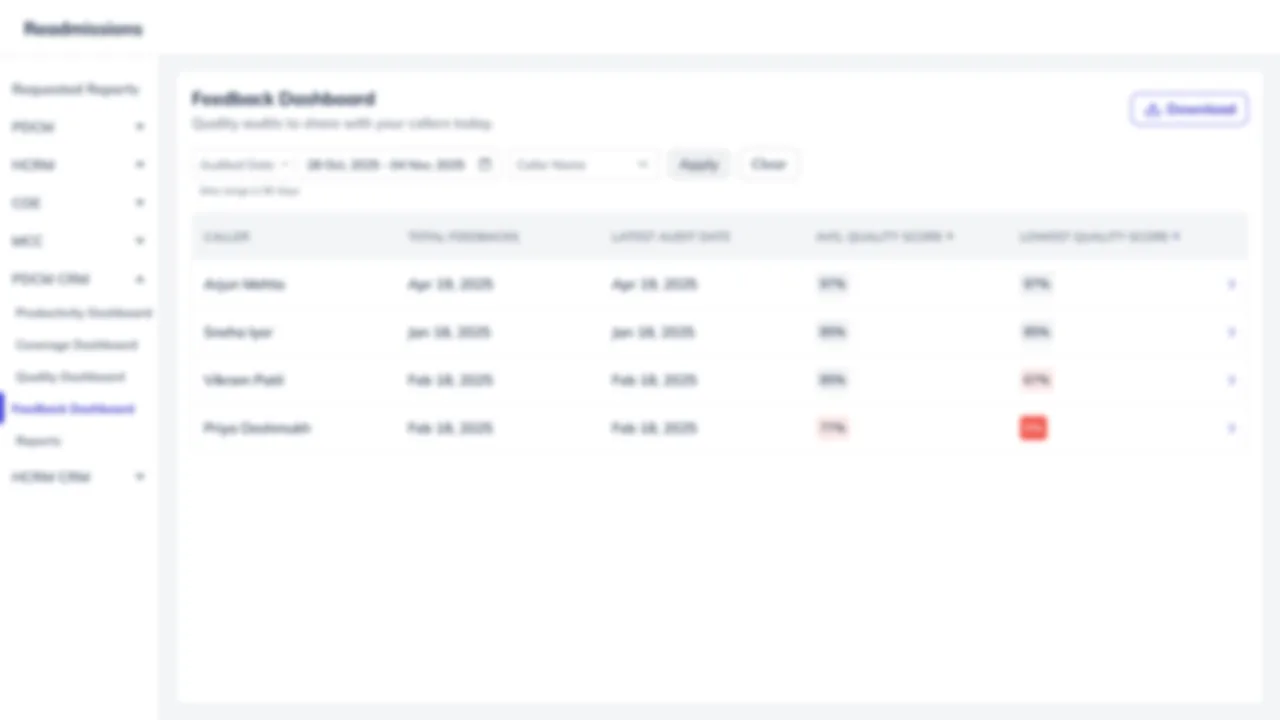
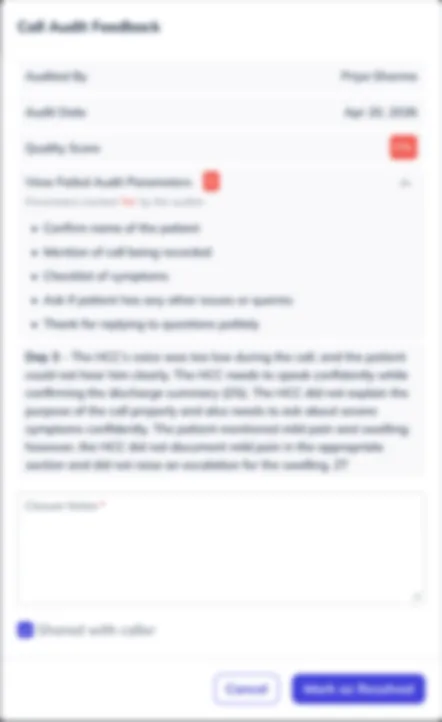
The first list showed callers but hid the reason to act. I also explored working call by call in a side drawer, with a required closing note and a "Shared with caller" check. The final design kept the note and moved to one view per caller. Before the final layout, I tested the flow as a clickable prototype built in Lovable.
The dashboard
One caller, one conversation, one close.
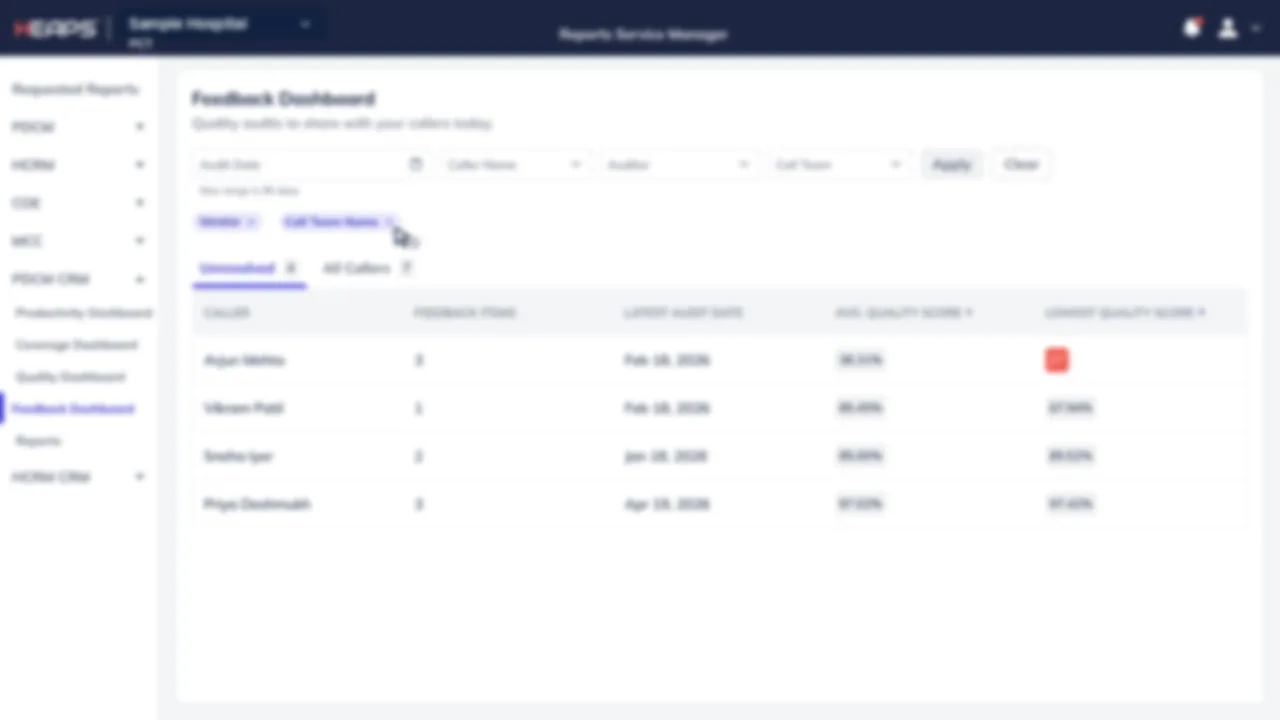
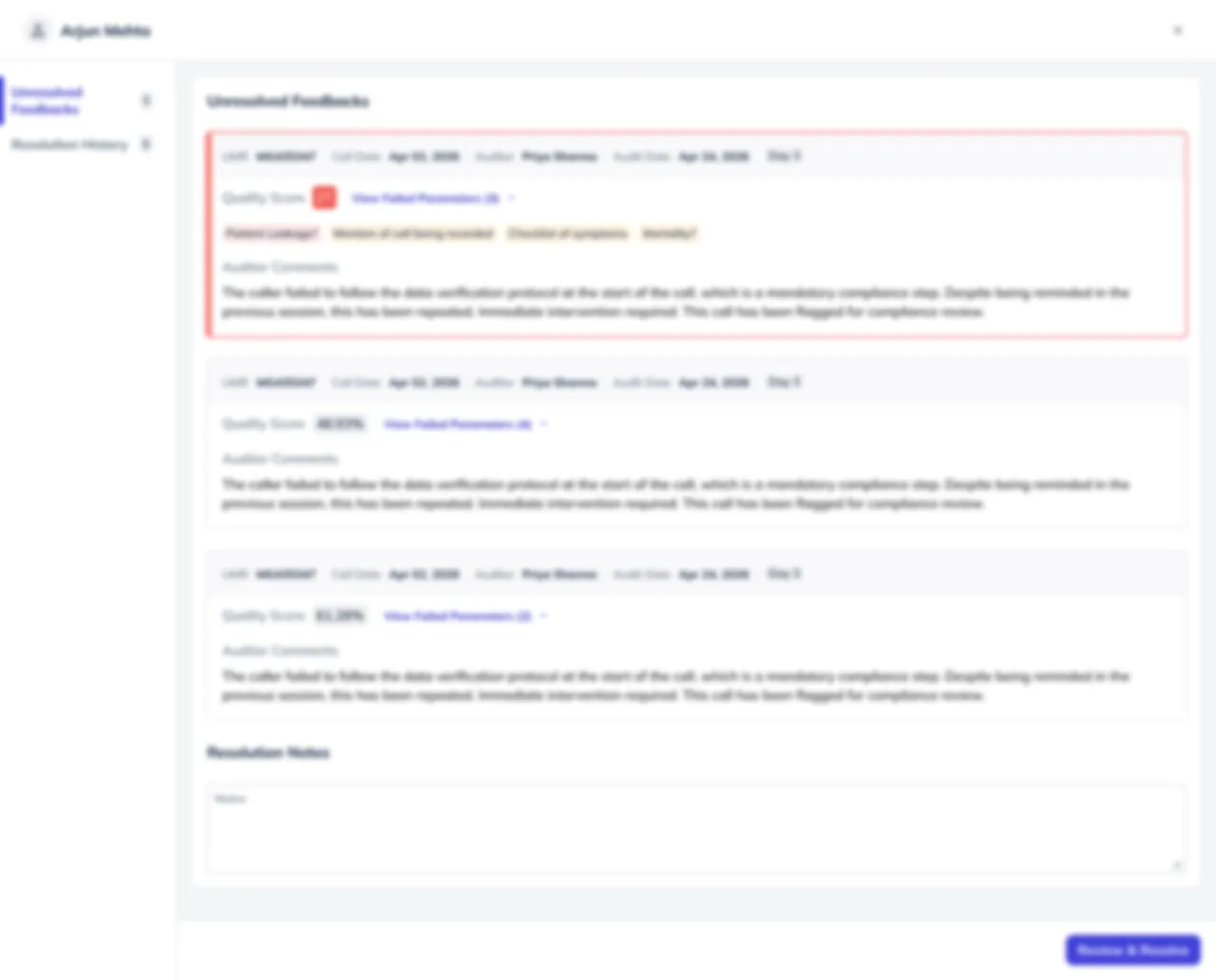
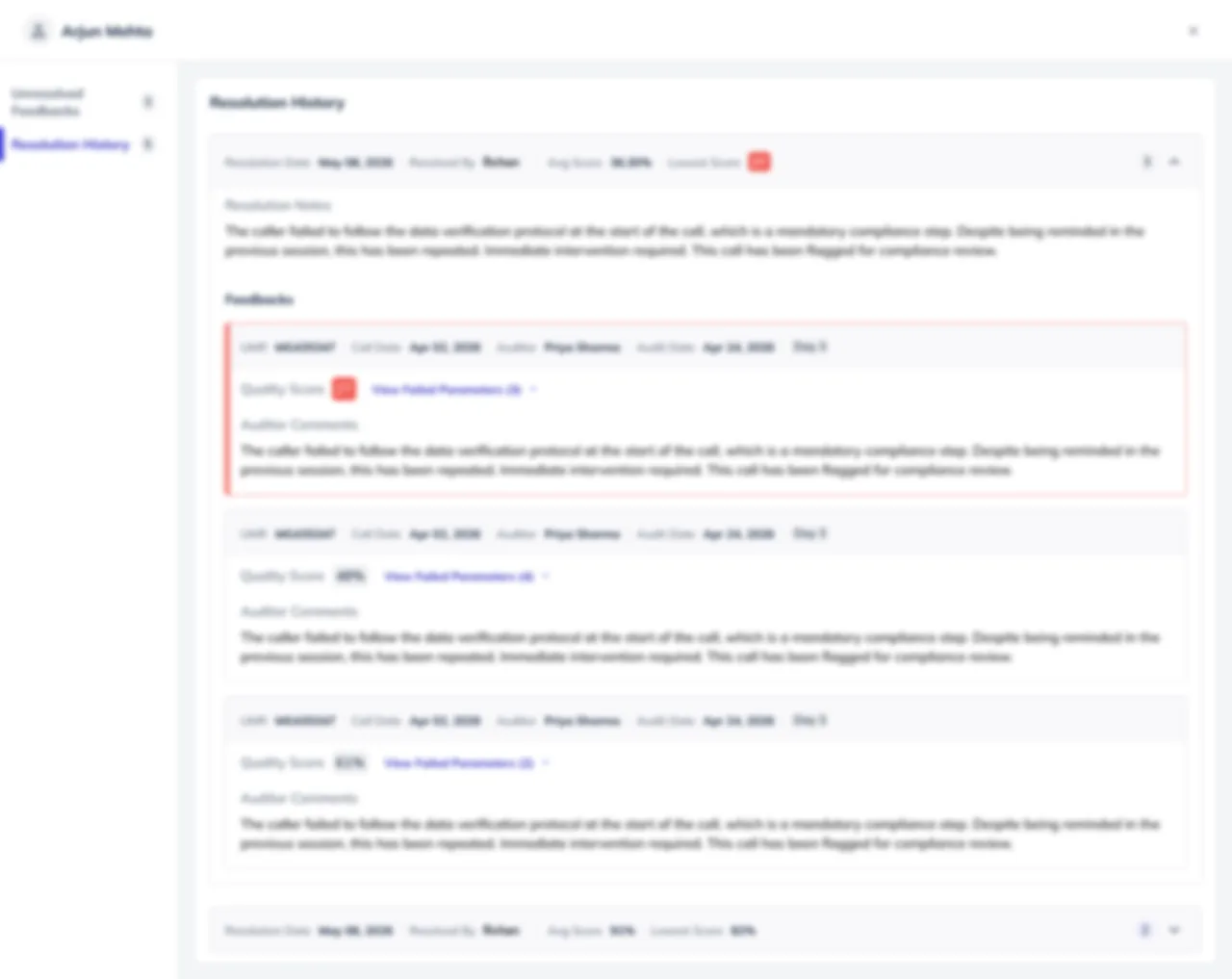
Team leads land on the callers who need action, with sortable average and lowest scores. Opening a caller shows every unresolved audit with its failed parameters and the auditor’s words, and one resolution note closes them together. Resolution history keeps the trail.
A 21-second walkthrough built from the shipped screens, blurred under NDA.
What’s next
From closing feedback to tracking improvement.
The ops team asked for the next step themselves: flag callers who repeat the same error, so coaching starts before it becomes a performance plan. Some of that can be detected automatically and some will stay a human call, which is the design problem I’d take on next.