Qffer · Skellam
Skip the line
Qffer takes Qubriux’s personalized offers into physical stores, with one app for shoppers and one for merchants. v1 redeems offers at the bill desk; v2 moves the counter into the app.
Role
Sole product designer
Platform
Shopper app + merchant app
Timeline
2021–2022
Status
Concepts while I was there
Areas of influence
User flow and wireframes
Shopper app
Merchant app
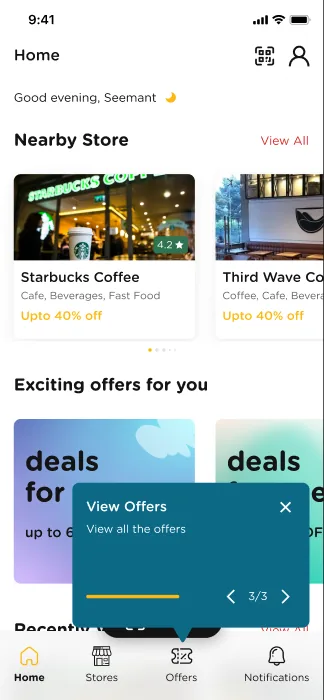
First-use coach marks
Highlights
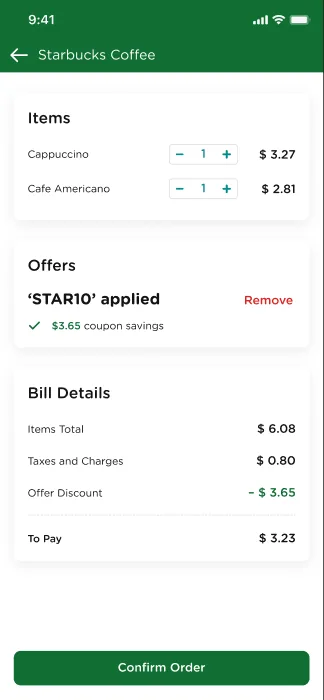
Best offer applied in the cart
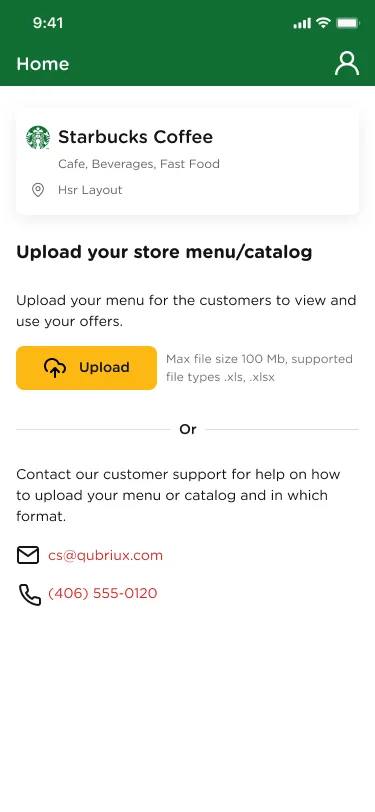
A store goes live from a spreadsheet
Both apps on the App Store, 2023
Scroll to move through the story
Flow first
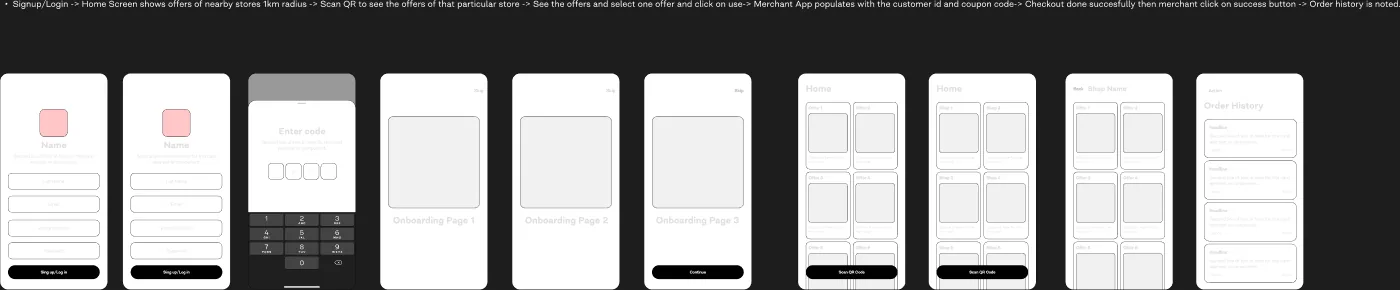
One sentence before any pixels.
Sign up → see offers within 1 km → scan the store’s QR → pick an offer → the merchant app fills in the coupon → checkout → order history. The wireframes followed that line.
v1
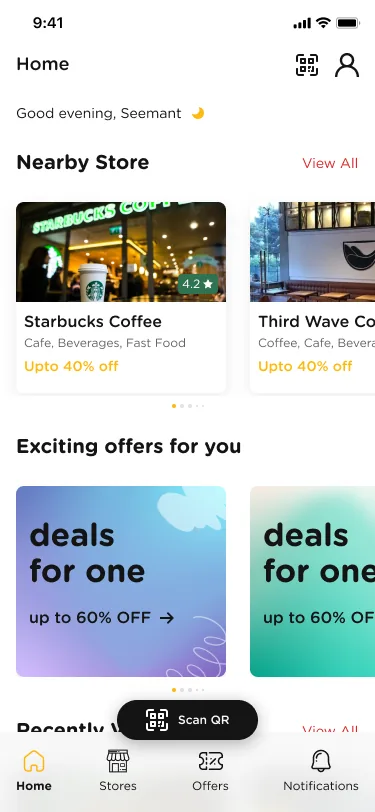
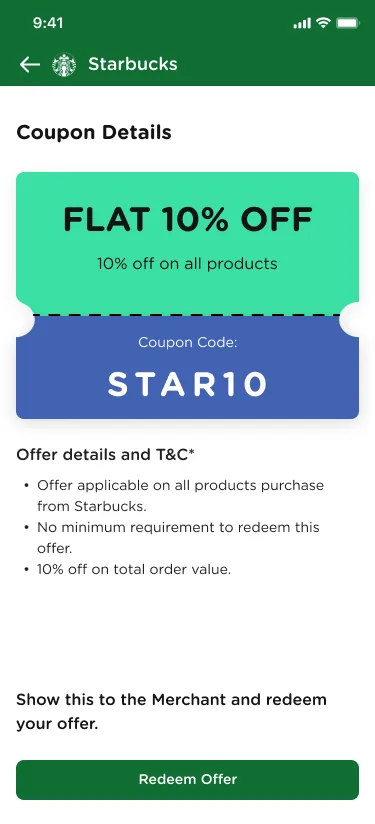
Offers, redeemed at the bill desk.
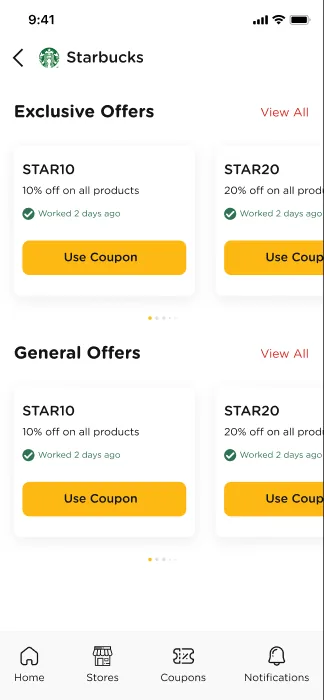
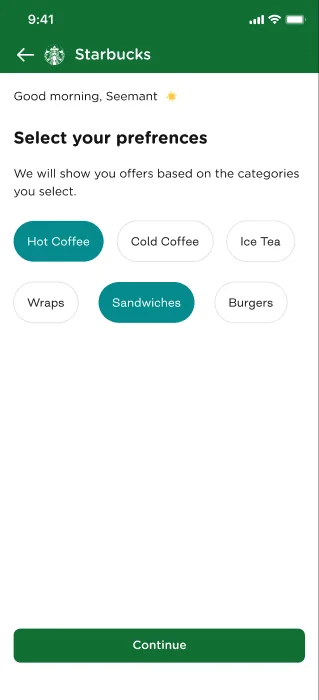
Scanning a store’s QR opens it in that store’s colors, with offers made for the shopper. Simple, but they still stood in line to redeem.
v2
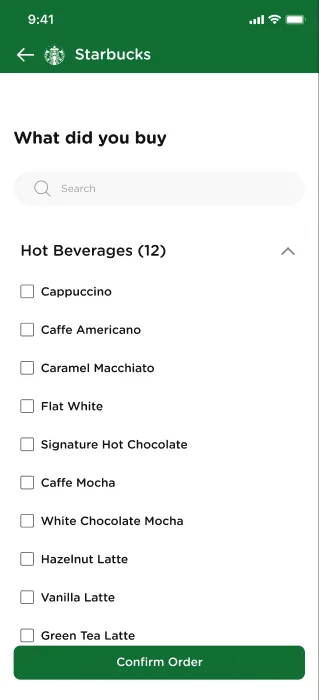
Move the counter into the app.
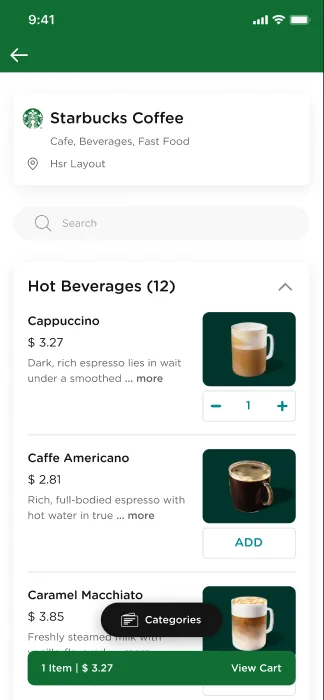
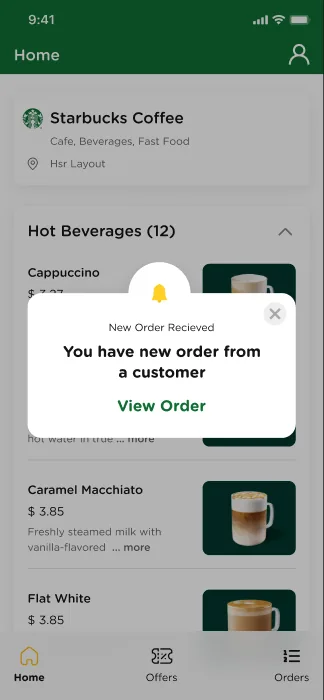
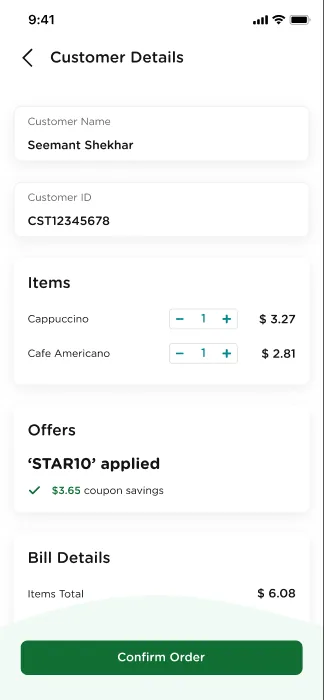
Merchants set up their store, menu and payments in the app. Shoppers order, the best offer is applied in the cart, they pay, and the order lands on the merchant’s phone.
What shipped
Both versions were concepts while I was there. Both apps reached the App Store in January 2023, after I left: the shopper app with the v1 flow, and the merchant app with this v2 idea.
Small details
The parts that build trust.
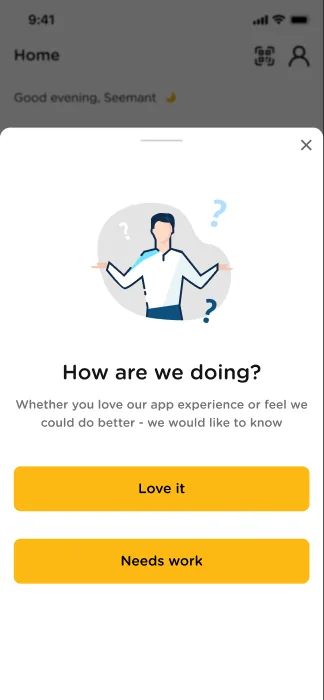
Little things that answer a doubt before the user has to ask.